
What You Need to Know About Performance Max Campaigns
The key benefits of Google's Performance Max campaigns for advertisers looking to expand their reach.
Tom Cross · 4 November 2025
If you're managing digital advertising campaigns, knowing how to locate your account identifiers (specifically your Google Ads Customer ID (CID) and Microsoft Ads Account Number) is essential.
These IDs allow you to grant access to third parties, get help with support, or integrate other tools. Here's how you can find them.
At Bidnamic we ask our potential clients to provide us with their Google Ads CID to gain access to their Google Shopping data. We then use this data for an audit to determine how good of a fit a client would be for our technology.
Your CID is a unique 10-digital number formatted like 123-456-7890. It's used to identify your account when working with Google support or collaborating with third parties.
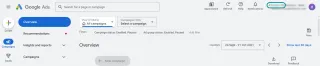
Or, if you click on the profile icon in the top right corner, a dropdown will display the accounts you have access to along with their CIDs.
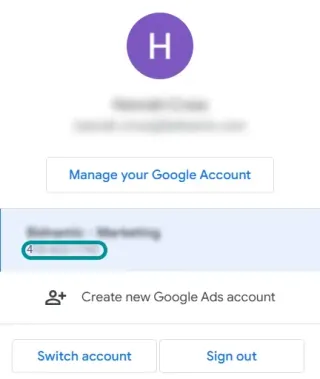
If you're using a Manager Account (MCC), you can view the CID for each linked account with the account selector.
Microsoft Ads (formerly Bing Ads) assigns a unique number to each advertising account. This number is necessary for account management and support interactions.
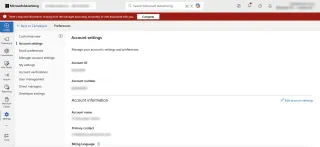
Alternatively, your account number may also be visible in the top right corner of the dashboard, next to your account name.
A named strategist walks your account with you: what is capping growth, and what it would take to move it.